


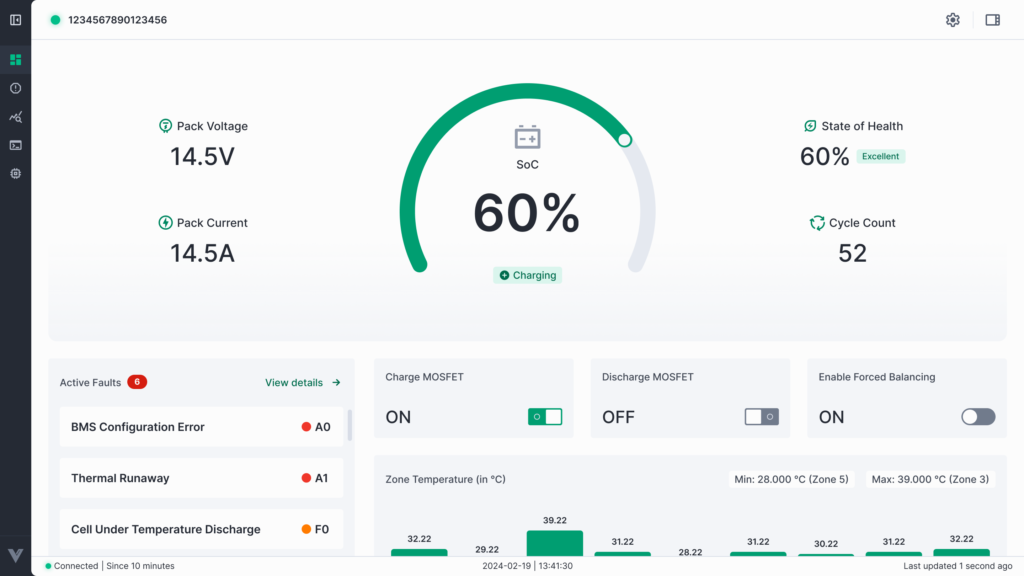

- From the side menu, click on Dashboard.
- You will automatically be navigated to the My Dashboards page.

- Use the search bar to find your organization’s dashboard by entering its name.

- In front of your organization’s name, you will see a home icon. Click on it.
- Once clicked, the home icon will turn green, and a success popup message will appear on top of the screen.

- After this, your chosen dashboard will be set as your Home Dashboard, and it will always open first when you click Home from the side menu.