


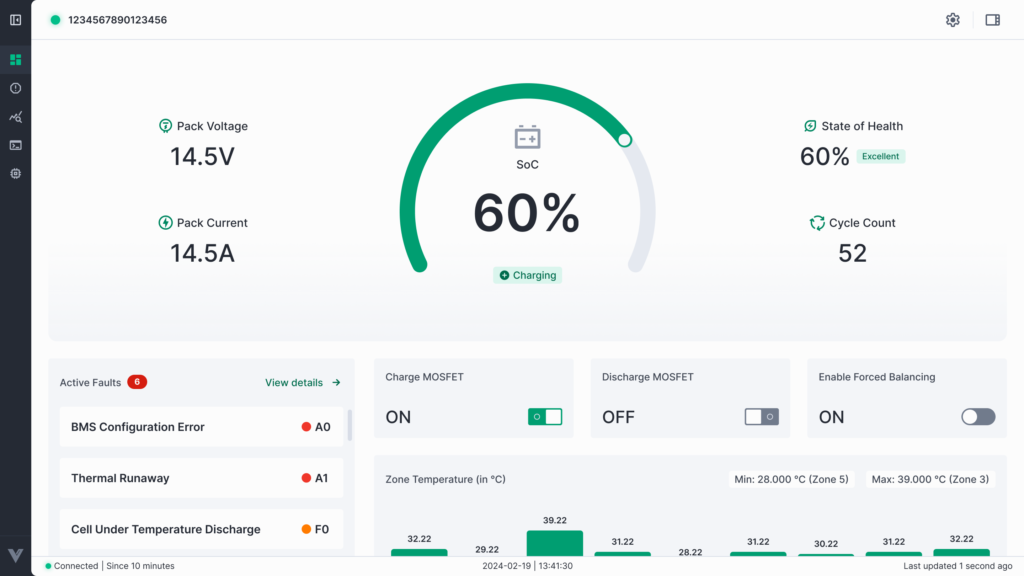
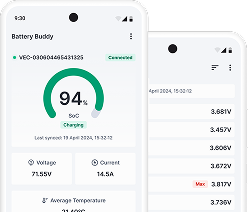

The Battery Buddy desktop application is designed as a comprehensive tool for monitoring, managing, and maintaining battery systems equipped with Vecmocon’s BMS technology. By integrating real-time data visualization, fault diagnostics, firmware updates, and configuration management into a single interface, it empowers engineers, service teams, and system integrators to ensure optimal battery performance, longevity, and safety.
This manual has guided you through:
- Installation & Setup – Preparing your system and installing Battery Buddy.
- Connecting to a Device – Establishing a stable communication link via CAN or BLE.
- Navigating the Interface – Understanding the dashboard and key modules.
- Using Core Modules – Leveraging features like Faults, Analytics, Terminal, Data Extraction, Firmware updates, and Configurations.
- Customizing Preferences – Managing logs, storage locations, and application settings.
By using Battery Buddy effectively, you can:
- Detect and address potential issues before they escalate.
- Optimize system performance through informed configuration adjustments.
- Maintain a reliable operational history using data logging and extraction tools.
- Keep devices updated with the latest firmware for maximum compatibility and safety.
For the best experience:
- Always disconnect the device safely before unplugging.
- Keep the application and BMS firmware updated.
- Enable logs when troubleshooting to assist in diagnostics.
Battery Buddy is more than just a monitoring tool — it is an essential part of your battery maintenance workflow, helping you maintain system health, improve operational efficiency, and extend the life of your battery assets.